

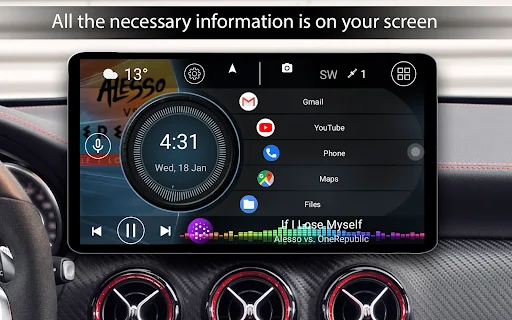
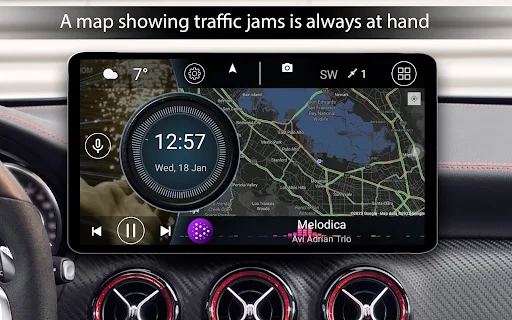
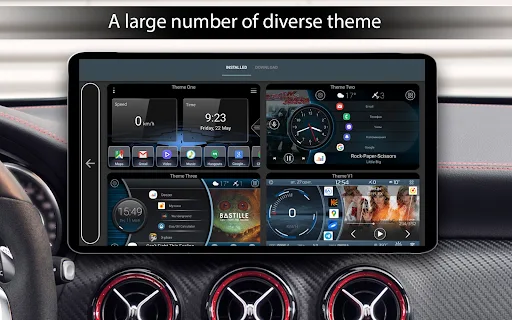
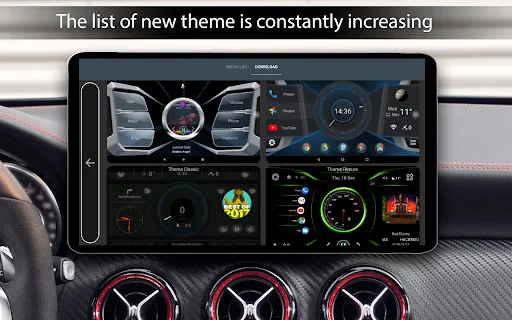
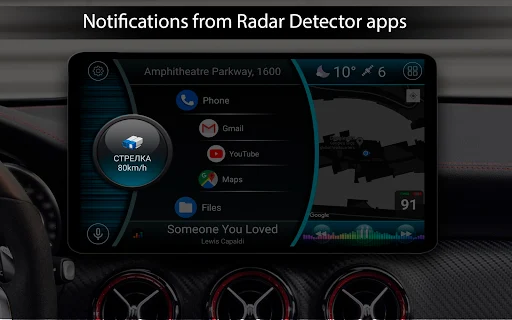
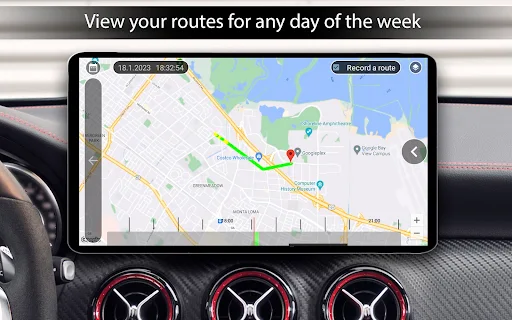
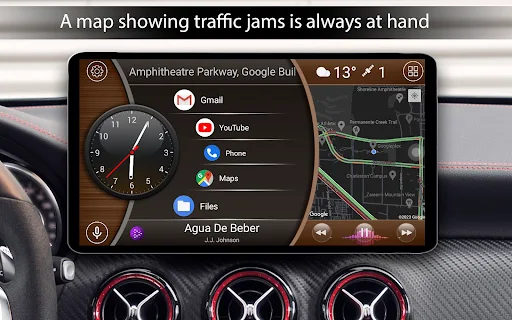
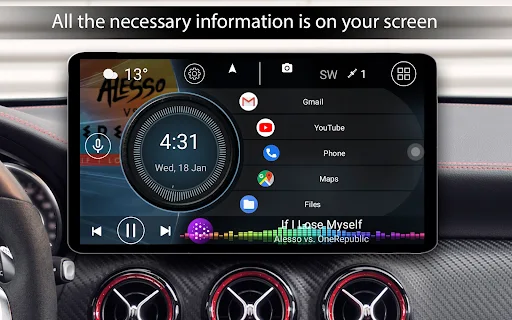
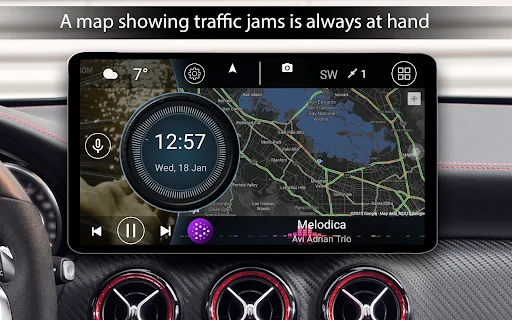
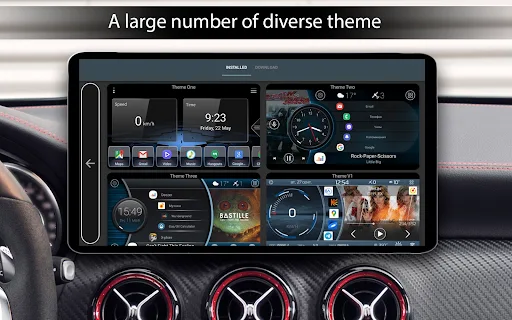
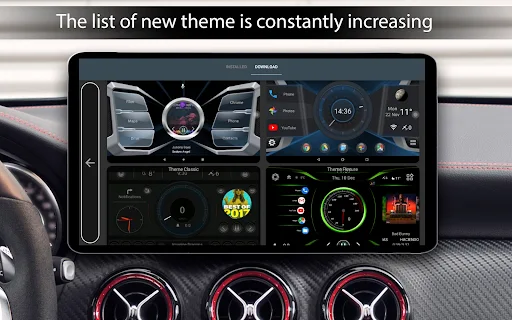
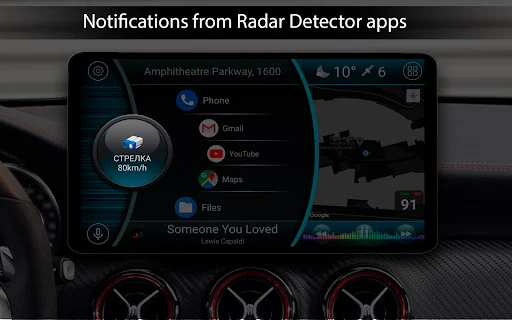
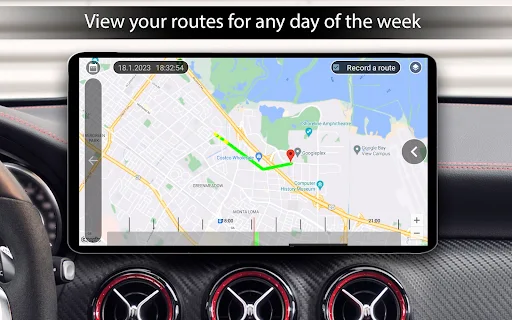
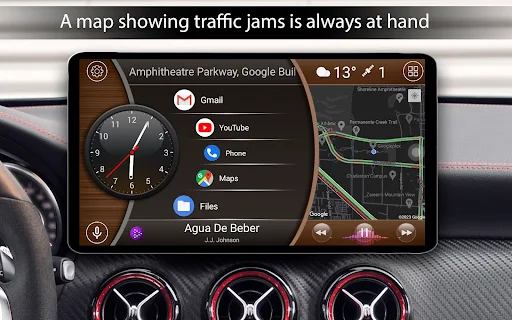
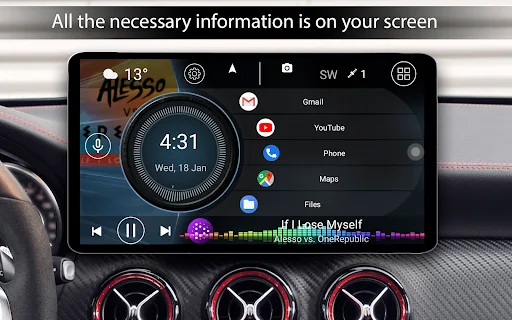
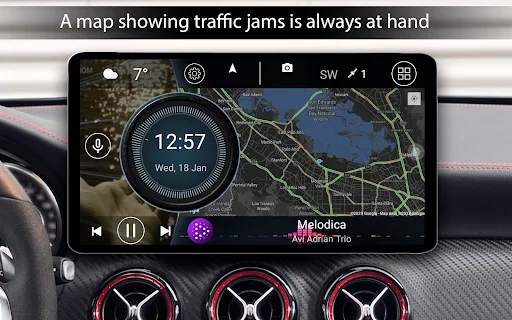
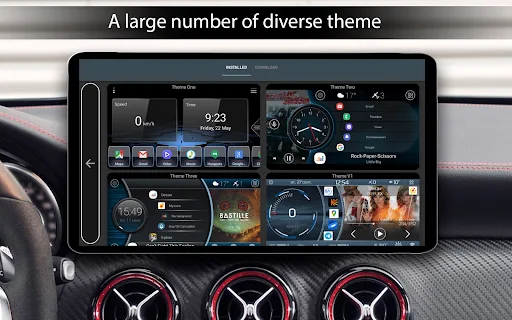
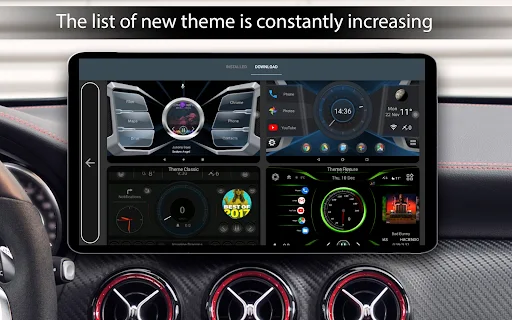
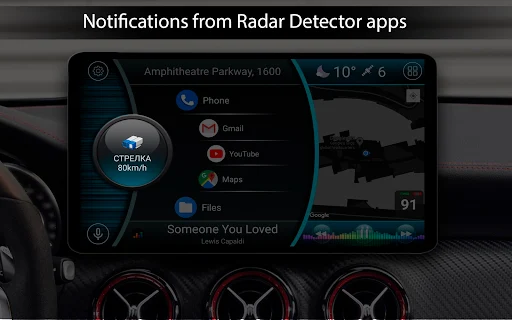
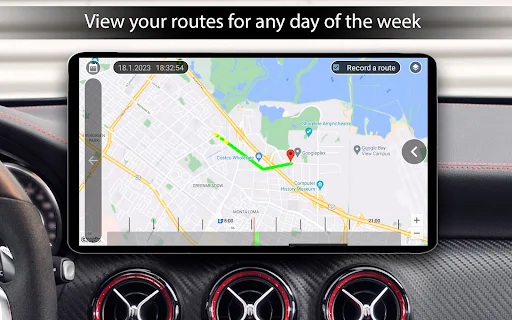
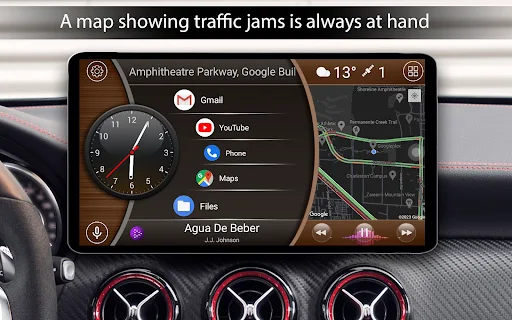
Car Launcher transforms your device into a smart dashboard, offering a customizable interface for phones, tablets, or Android head units. It provides a dedicated environment for using your device while driving, aiming to present essential functions and information clearly. Users can configure their car’s screen with shortcuts to frequently used apps, monitor trip statistics, and integrate with navigation and music services, effectively creating a personalized in-car infotainment experience.
Customizable Dashboard Interface
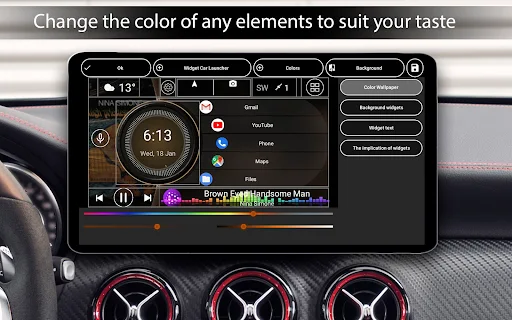
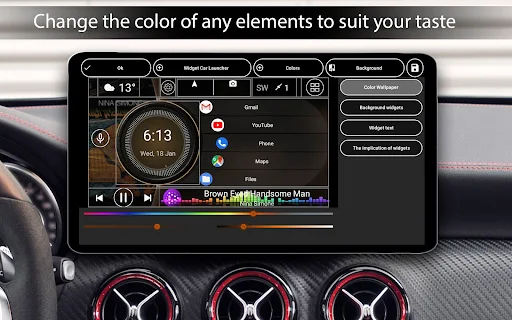
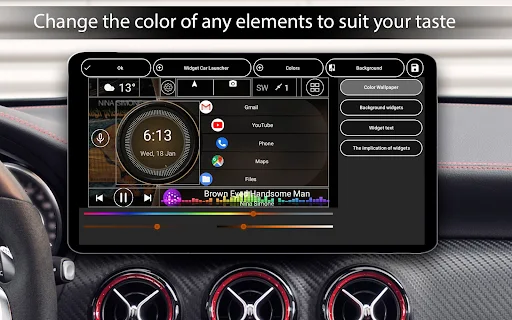
This app allows users to set it as their default launcher, providing a consistent interface every time the device powers on. You can organize an unlimited number of apps and folders, and personalize shortcuts, colors, and wallpapers to match your preferences. The app supports auto-brightness and offers a customizable screensaver or clock display. For more advanced customization, the PRO version introduces system widget support for apps like Google Maps and Spotify, a theme editor to resize, move, and lock elements, and exclusive widgets such as a visualizer, analog clock, analog speedometer, and displays for address, driving time, max speed, and stop time. It also enables multiple home screens and advanced color customization.
Trip Computer and GPS Speedometer
Car Launcher integrates a comprehensive trip computer and GPS speedometer. It tracks various driving statistics, including current, average, and maximum speed, distance traveled, and total driving time. Users can monitor performance metrics like 0–60, 0–100, and 0–150 km/h acceleration times, and quarter-mile statistics. These stats can be viewed for individual trips, or aggregated by day, week, month, and all time. The display can switch between kilometers per hour (km/h) and miles per hour (mph). The app also provides GPS-based weather information.
Infotainment and Assistant Integration
The app focuses on providing seamless control over infotainment functions. It integrates with popular music players, allowing for on-screen volume control. A one-touch button for Google Assistant is available for voice commands, enhancing hands-free operation.
Gesture Navigation Support
Car Launcher utilizes the AccessibilityService API to enable edge-swipe gestures for navigation actions like Back, Home, and Recent apps. This feature is particularly useful for devices that lack physical navigation buttons. Upon first launch, the app provides a full-screen explanation and requests user consent. If agreed, users are guided through gesture settings and Android system settings for activation. If declined, the app functions without these gestures and will not prompt again unless gestures are manually enabled in the app’s settings.
Recent Enhancements
Recent updates to Car Launcher include fixes for GPS functionality when system GPS is selected, and optimizations for the favorite applications widget. Additionally, the option to access PRO version features has been expanded to include both a subscription model and a one-off purchase.







Write a review